
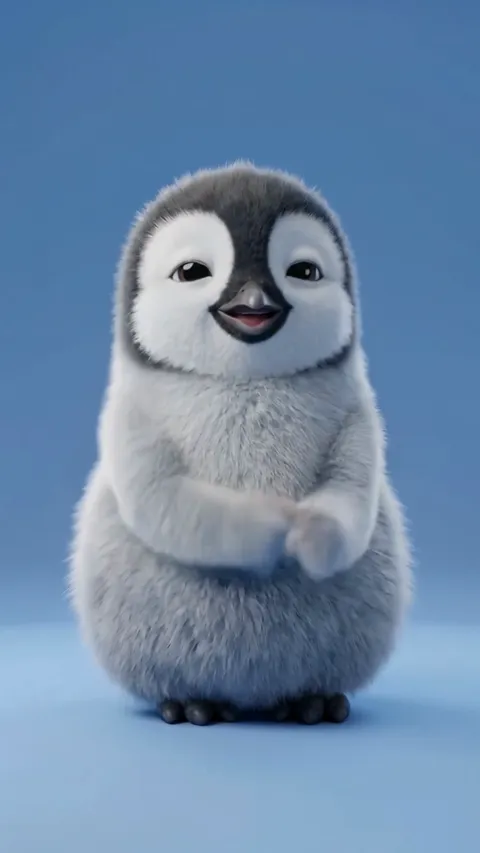
Viral Dance
The routines people are already posting, timed to the beat. The largest category in the app and the one most first videos come out of.
AI video, from one still image
Give Seedancer one photo — your dog, a plush toy, a cucumber, you — and pick a routine. It puts that subject through the whole dance, frame by frame, and hands you the video a few minutes later. Nothing to edit and nothing to film.
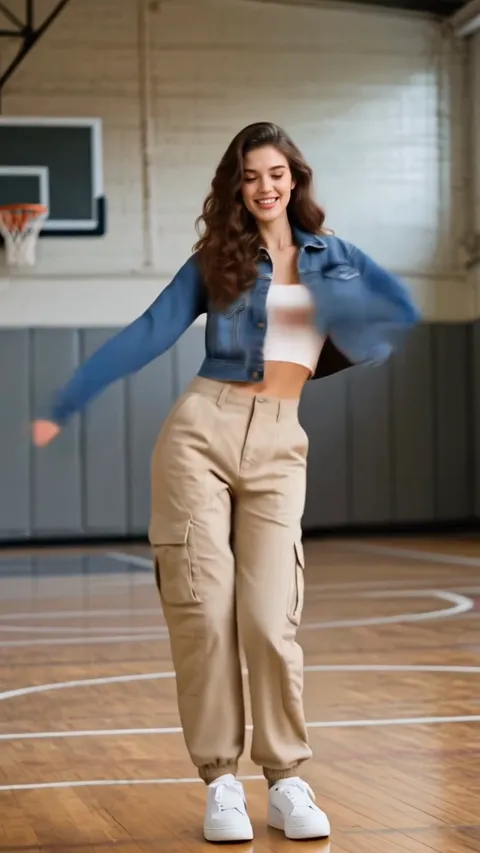
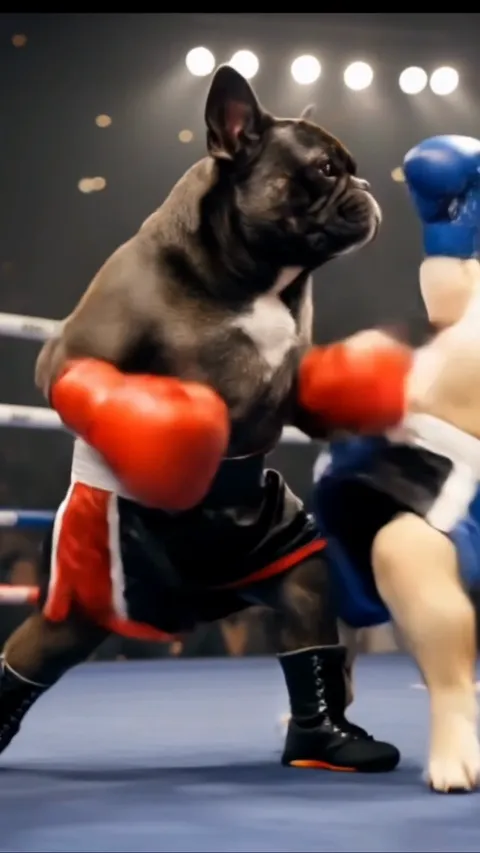
The subject needs a head and something like limbs. It does not need to be human, and most of what people make with this is not.
The single most convincing thing to animate, because nobody knows exactly how a beagle dances. One photo standing, taken at their level.
Plush toys, cartoon figures, a cucumber with a face on it. If it has a head and something like limbs, a routine can be mapped onto it.
The hardest subject and the most impressive when it lands. One full-body photo in even light, arms clear of your sides.
Four decisions, and only one of them is a photo.
Browse 62 routines across five categories and choose the one you want. The template fixes the choreography, the framing and the length — everything except who is doing it.
One still image is the whole input. Head to toe for a dance template, or just a face for a Sports one. No footage of your own, and no second photo.
Ten AI models, from the cheap fast ones you test on to the premium ones you finish on. Longer clips and better models cost more credits, and the price is shown before you commit.
The generation runs on our servers, not on your phone, so leaving the screen does not cancel it. The finished video is waiting in My Videos, ready to save to your camera roll.
Every one is recorded movement rather than a description of movement, which is why a template gives you the same routine every time.
The routines people are already posting, timed to the beat. The largest category in the app and the one most first videos come out of.
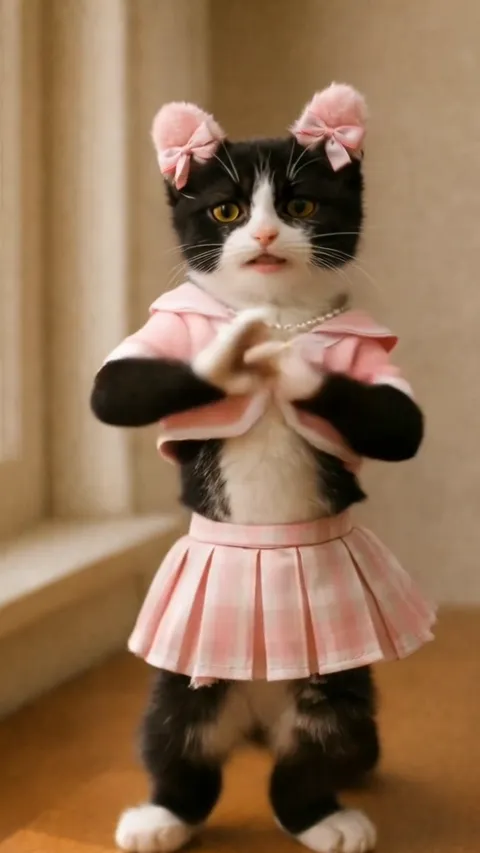
Simple, forgiving motion. If a photo is going to work anywhere it works here, which makes this the category to test a new photo in.
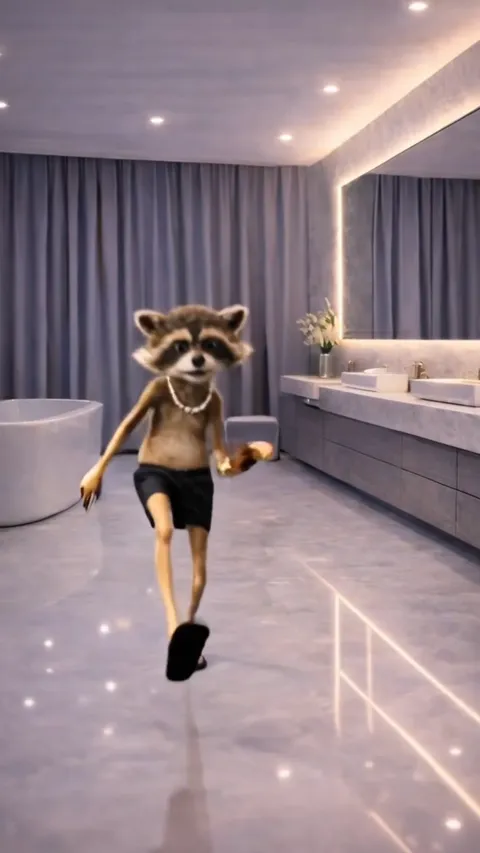
Long, technical routines. These run the longest and cost the most credits, and they are the ones that look choreographed rather than filmed.
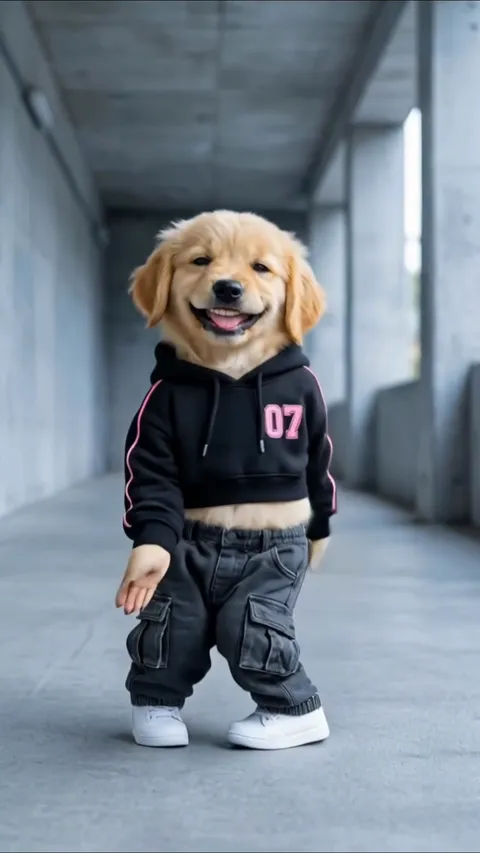
Big, unmistakable movement built for a group chat. Legible on a phone at arm's length, which is where these get watched.
The only face-swap category. It puts a face into existing sports footage instead of animating a body, so a close-up head shot is all it needs.
Every template is real recorded movement. Pick it twice and you get the same routine twice — which is the thing a written prompt cannot promise you.
Pixverse, Kling, Seedance and Veo, side by side in one picker. Test on the cheap ones, finish on the expensive one.
The Sports templates put a face into existing footage instead of animating a body, so a close-up head shot is all they need.
Generation happens server-side. Lock the phone, switch apps, go and do something else — the video is in your library when it lands.
Create Your Own takes a written description, an optional photo, a duration and a model, for the videos no template covers.
Every upload passes a content check first. A refusal comes back straight away and costs nothing, because nothing was generated.
Generating video is billed by the second, so the app is too. Credits make the two things that drive the cost visible at the point you choose them.
Buy a pack of credits outright and keep them, or take a subscription that tops you up on a schedule. Packs suit people who generate in bursts; a subscription suits people who generate steadily.
Prices live in the App Store rather than on this page. They move with country and promotion, and a stale number here would be worse than no number at all.
No — and most of the library is not people. A pet, a plush toy, a cartoon character, a piece of fruit with a face drawn on it: if the photo shows one subject with something a model can read as a head, arms and legs, it can be animated. The dance templates want that subject shown head to toe.
For the dance templates, one subject alone in the frame, head to toe, upright, facing the camera, with nothing cropped at the ankles. For the Sports templates, a close-up of the face is enough. Even light and an uncluttered background do more for the result than a high-resolution camera does.
Just a photo. One still image is the whole input. The movement comes from the template you pick, not from any footage of your own.
Usually a few minutes. You can leave the screen or close the app while it runs — the generation finishes on our servers rather than on your phone, and the result lands in My Videos when it is done.
Yes. Create Your Own takes a written description, an optional photo, a duration and a choice of AI model, and generates from that instead of from one of the 62 templates.
Every generation costs credits, and longer clips and better models cost more of them. You can buy a pack of credits outright or take a subscription that tops you up on a schedule. Prices are shown in the App Store, because they vary by country and by promotion.
An uploaded photo is used to produce the video you asked for. Finished videos are yours to save to your camera roll or delete, and deleting your account removes your generation history. The full detail is in the privacy policy.
Only with their permission, and never a child. The automated screen catches unsafe content, not consent — whether the person in the photo agreed to be in the video is your call to make before you upload it, not something an app can check for you.
The things worth knowing before you spend credits finding them out.
How do you make a photo dance?
How do you make a video of your pet dancing?
What does an AI dance video generator actually do?
How do you turn a photo into a video?
Can you make a video from just one photo?
What is the best photo to use for an AI video?
Pick a routine, add a picture, and watch something that has never danced start dancing.
Not on the App Store yet. One email when it is, and nothing else.