
How Seedancer works
The app does one thing: it takes the movement out of a recorded routine and puts your photo through it. Everything below is a consequence of that.
The four steps
-
1
Pick the movement first
Browse 62 routines across five categories and choose the one you want. The template fixes the choreography, the framing and the length — everything except who is doing it.
-
2
Add one photo
One still image is the whole input. Head to toe for a dance template, or just a face for a Sports one. No footage of your own, and no second photo.
-
3
Choose how good it needs to be
Ten AI models, from the cheap fast ones you test on to the premium ones you finish on. Longer clips and better models cost more credits, and the price is shown before you commit.
-
4
Close the app
The generation runs on our servers, not on your phone, so leaving the screen does not cancel it. The finished video is waiting in My Videos, ready to save to your camera roll.
What the model is actually doing
A pose estimator runs over the template clip and produces a skeleton for each frame — joint positions and nothing else. None of the reference footage reaches your video, which is why the person who recorded the routine never appears in it.
Your photo answers a different question: what does this subject look like. The generator then draws that subject into each skeleton in turn, one new frame at a time.
This is why the background changes too. Nothing in your photo is preserved and re-used; the whole frame is regenerated, every time, to match a pose your photo never showed.
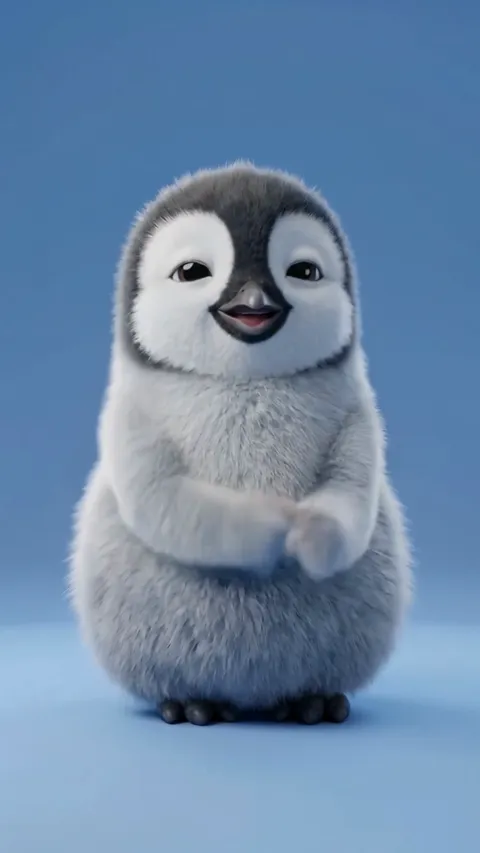
A template clip. The routine is fixed; the subject is whatever you upload.
What makes a photo work
Most disappointing videos are disappointing photos. These take thirty seconds each to fix and cost nothing.
Do
- One subject, alone in the frame
- Head to toe, with room above and below
- Upright and roughly facing the camera
- Even, indirect light — overcast is close to ideal
- Limbs clear of the body, hands out of pockets
- A plain wall or floor behind
Avoid
- Cropped at the ankles or the knees
- A second person or pet at the edge of the frame
- A hard shadow across the face
- Sitting, lying down or curled up asleep
- Shot from above, looking down at a pet
- A busy, detailed background
The two kinds of template
Motion control — four of the five categories
Your subject is regenerated into the movement. Body, clothes and background all come from your photo rather than from the reference, so it needs to see the whole subject: head to toe, upright, nothing cropped.
Face swap — the Sports category
The reference footage is kept exactly as it is and only the face is replaced. Nothing below the shoulders is used, so a close-up head shot is all it needs — and it is the faster, cheaper way to put someone into a scene they could not otherwise be in.
After you tap generate
The screen comes first
Every upload is checked for unsafe content before anything is rendered. A refusal comes back immediately and costs nothing, because nothing has been generated at that point. It is a content filter, not a consent check — whether the person in the photo agreed is yours to settle first.
Then it leaves your phone
Generation runs on a GPU in a datacentre and takes a few minutes for a short clip. Locking the phone, switching apps or closing Seedancer does not cancel it. Credits are committed when the video completes, so a failure should leave your balance where it was.
The whole loop is about five minutes
Most of it is the wait, and you do not have to be there for the wait.
Not on the App Store yet. One email when it is, and nothing else.