
Sixty-two routines, five categories
A template is recorded movement, not a description of it. That is the whole difference between picking one of these and typing a sentence: the same template gives you the same routine every time, and a sentence never does twice.
Dance like there's no tomorrow
Viral Dance
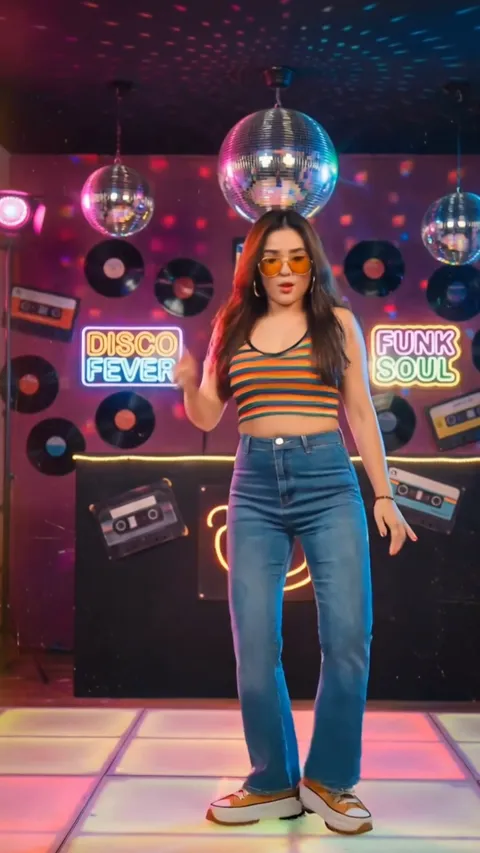
The routines people are already posting, timed to the beat. The largest category in the app and the one most first videos come out of.
- Routines19
- Method Motion control
- Photo Head to toe
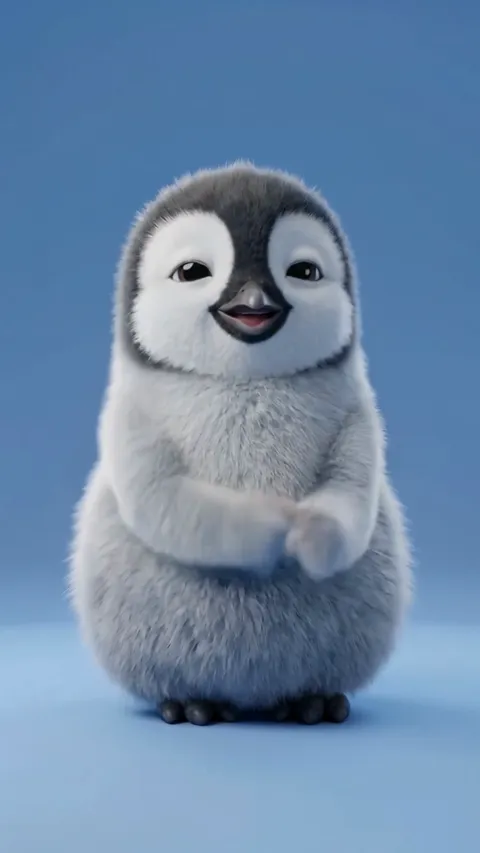
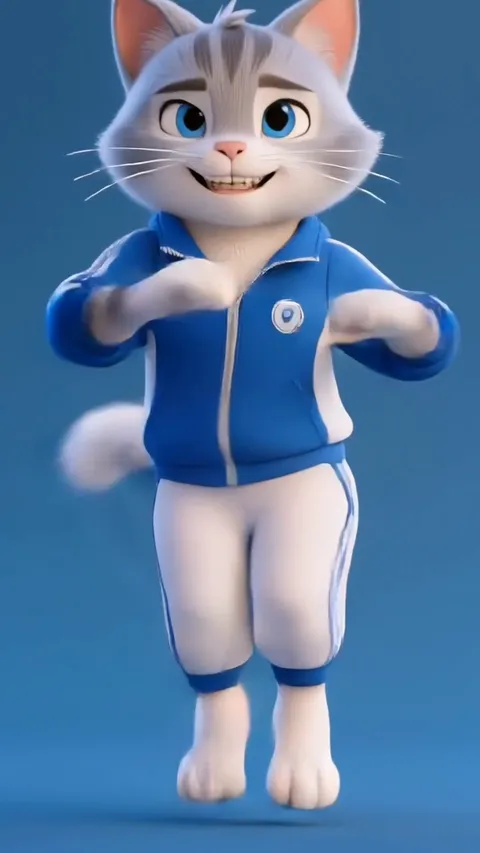
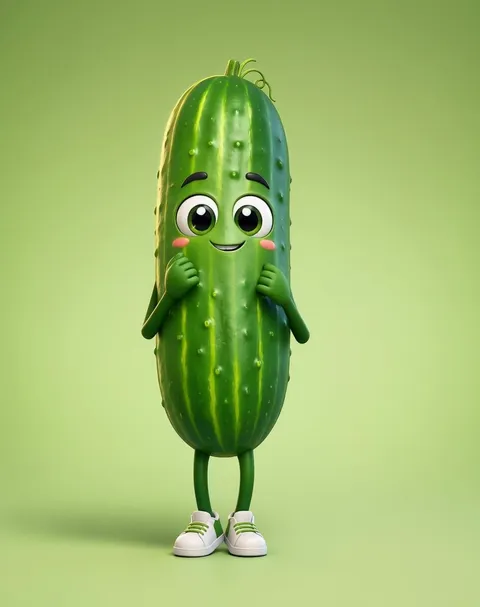
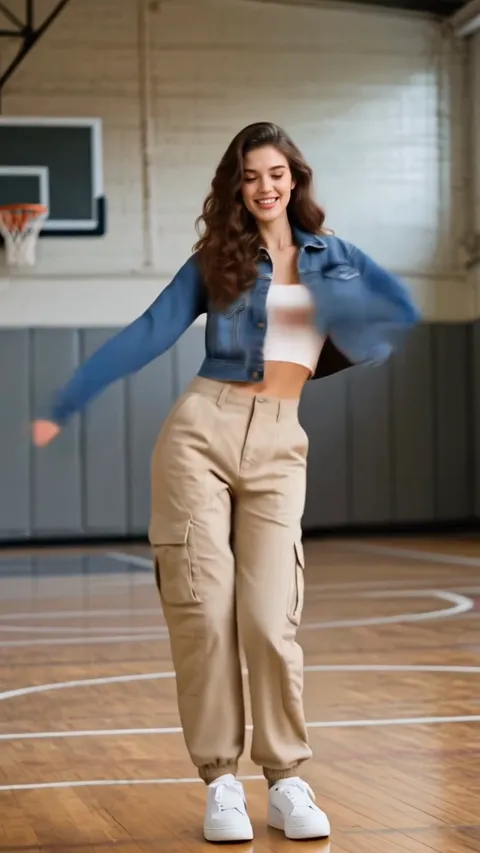
Just press play
Easy Fun
Simple, forgiving motion. If a photo is going to work anywhere it works here, which makes this the category to test a new photo in.
- Routines18
- Method Motion control
- Photo Head to toe
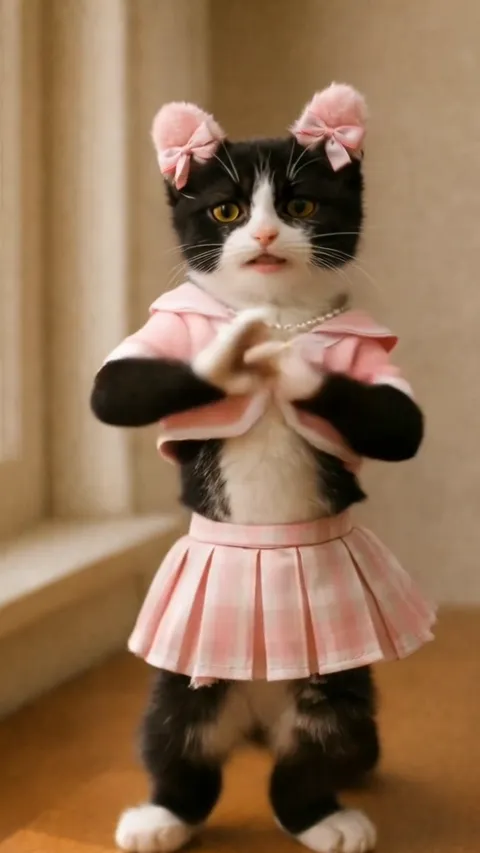
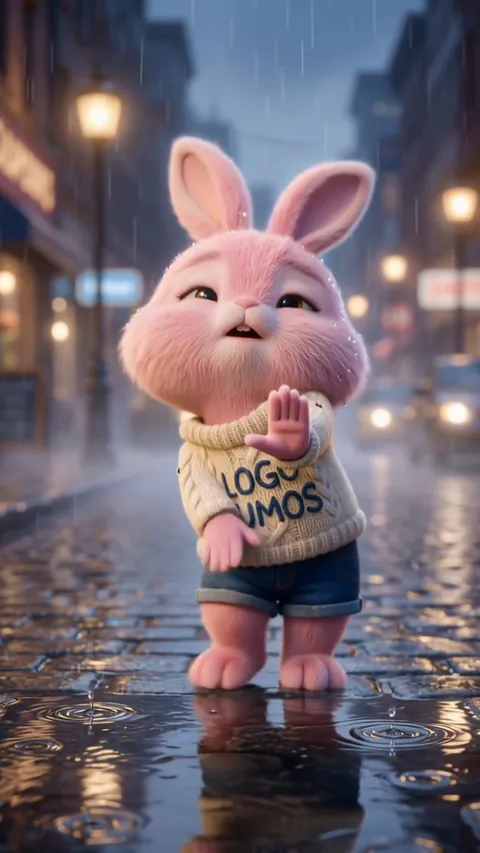
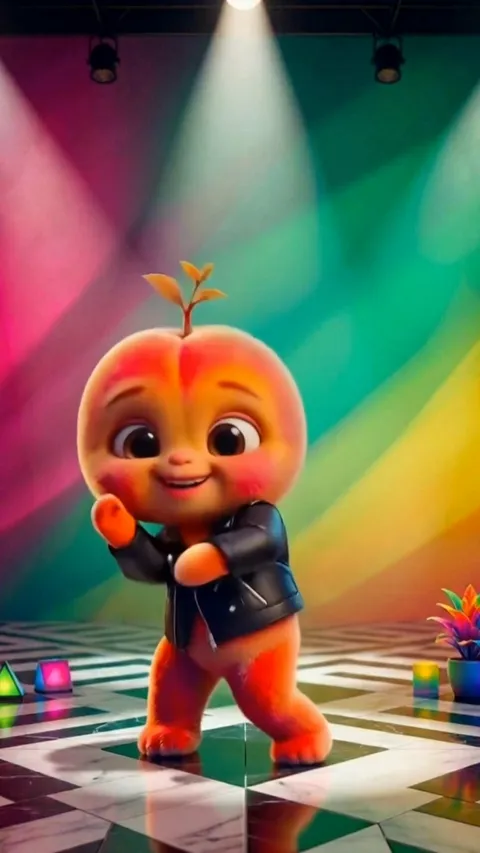
For the serious mover
Dance Pro
Long, technical routines. These run the longest and cost the most credits, and they are the ones that look choreographed rather than filmed.
- Routines11
- Method Motion control
- Photo Head to toe
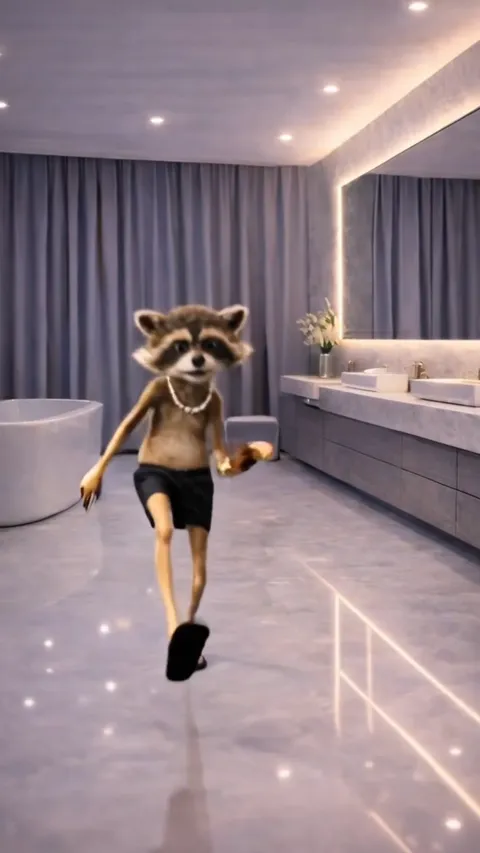
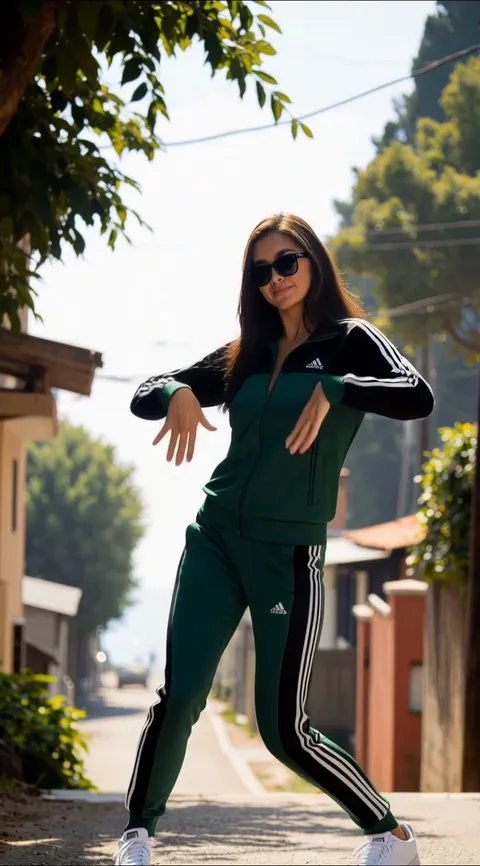
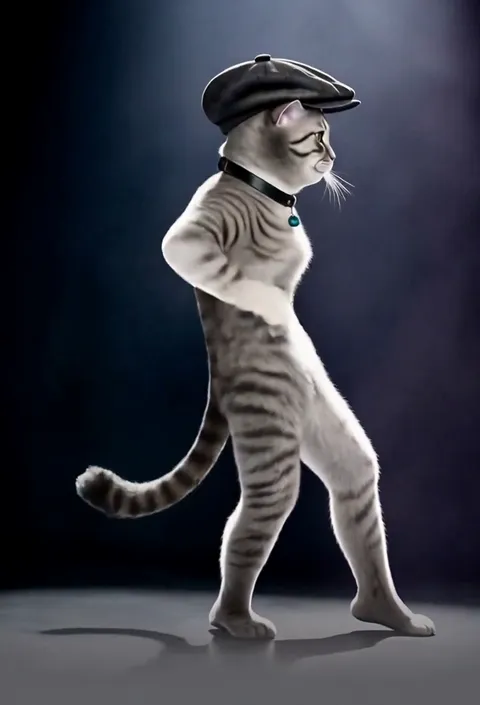
Show off your moves
Impress Friends
Big, unmistakable movement built for a group chat. Legible on a phone at arm's length, which is where these get watched.
- Routines10
- Method Motion control
- Photo Head to toe
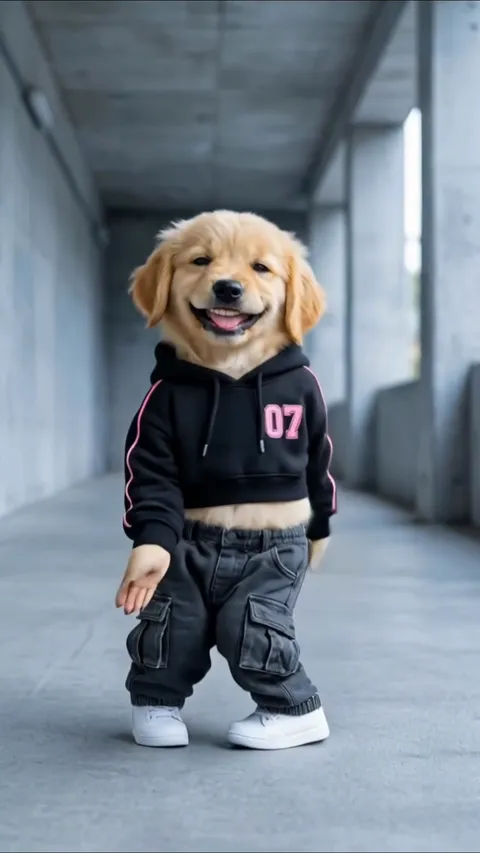
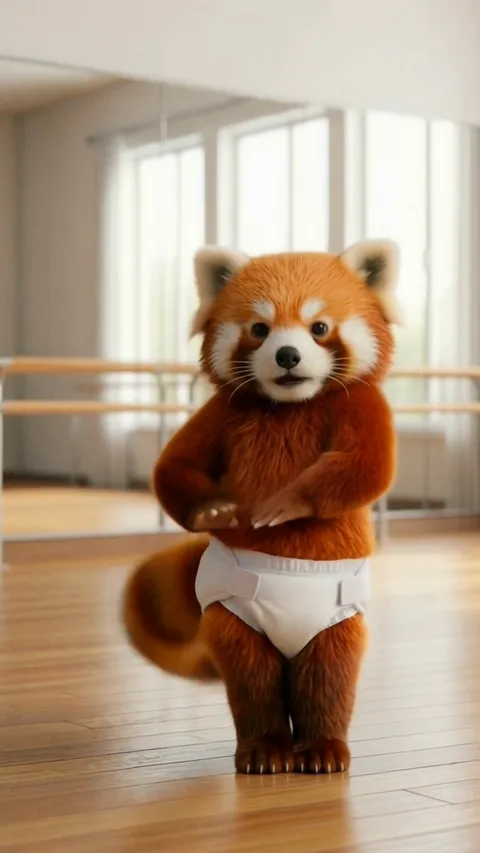
Bring the heat
Sports
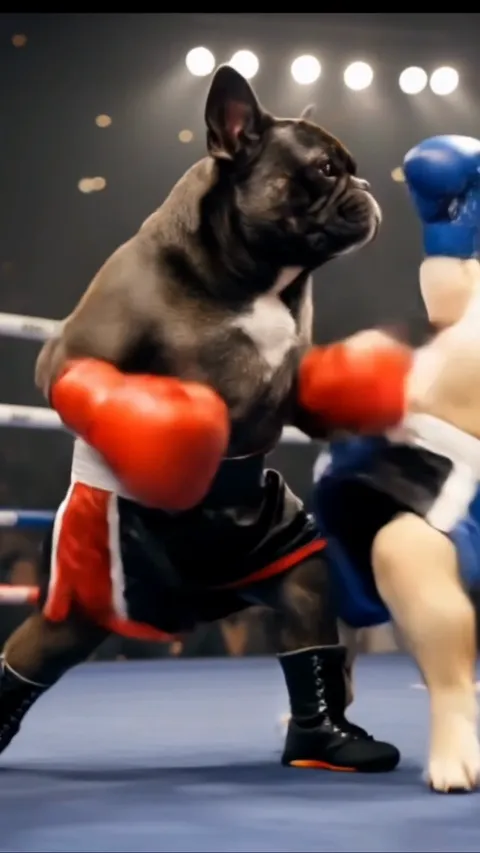
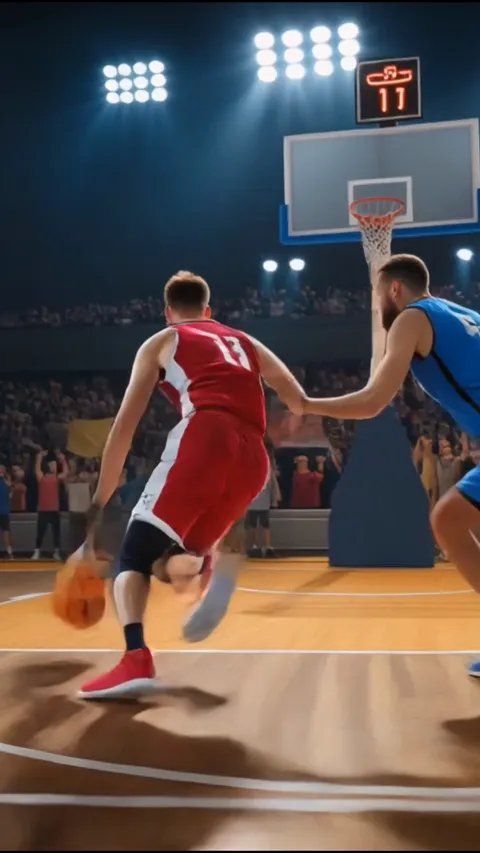
The only face-swap category. It puts a face into existing sports footage instead of animating a body, so a close-up head shot is all it needs.
- Routines4
- Method Face swap
- Photo Close-up of the face
Nothing in the library fits?
Create Your Own takes a written description instead of a template, plus an optional photo, a duration and a choice of model. You trade repeatability for being able to ask for anything.
Pick the movement, then find the photo
It is the easier order. The template tells you exactly what the photo has to show.
Not on the App Store yet. One email when it is, and nothing else.